
Dark · Invoice example
Dark Mode Invoice
Software, SaaS, fintech, dev-tool and digital-product brands wanting the idiom of a modern app switched to dark mode.
Best forSoftware, SaaS, fintech, dev-tool and digital-product brands wanting the idiom of a modern app switched to dark mode. NOTE the pages themselves READ LIGHT: only the cover and the chapter banners carry the dark graphite ground, while interior pages stay on a pale sheet with dark reading ink, tint-elevated cards, ONE vivid accent, crisp geometric sans and mono figures. Restraint over glow.
- Style
- Dark · Modern
- Mood
- Modern · Comfortable · Polished
- Typography
- Sans-serif
Rendered by Waxe — not a template

What's inside
The Dark Mode style sets the mood; this is the structure underneath. Waxe writes every section for you and lays it out to match your brand.
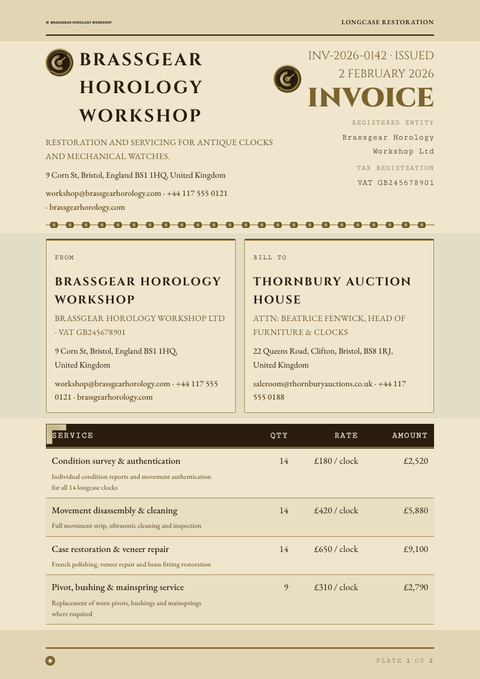
- Invoice number & dates
- From & bill-to details
- Itemised line items
- Subtotal, tax & discount
- Total due
- Payment instructions
- Notes & references
A closer look at Dark Mode
Dark Mode gives a invoice the same quiet confidence as a well-built product interface. Nothing about it is loud; the whole point is that it feels considered, current and comfortable to sit with for longer than a glance.
The ground is graphite rather than true black, which keeps the page easy on the eye, with reading text pitched calm and light rather than stark white. One accent colour carries all the emphasis, elevation comes from subtle tonal shifts rather than shadow, and a crisp geometric sans with mono figures keeps numbers exact.
Software, SaaS, fintech and developer-facing brands sit naturally here, along with anything that wants to read as a digital product rather than a printed page. It is the right call whenever the audience already lives in dark-themed tools and a bright white page would feel like a step backwards.
The discipline is in what it withholds: no glow, no gradient fireworks, just one committed accent doing every job — links, totals, status — so the eye always knows where to look first in a invoice that could otherwise sprawl. That single restraint is what keeps it feeling premium rather than gimmicky.
The graphite here is a stand-in. Generate your own invoice and Waxe carries your brand's actual accent colour, type, logo and content into this same calm surface, returning an export-ready invoice built to your specification, not a sample palette.
Dark Mode across your paperwork
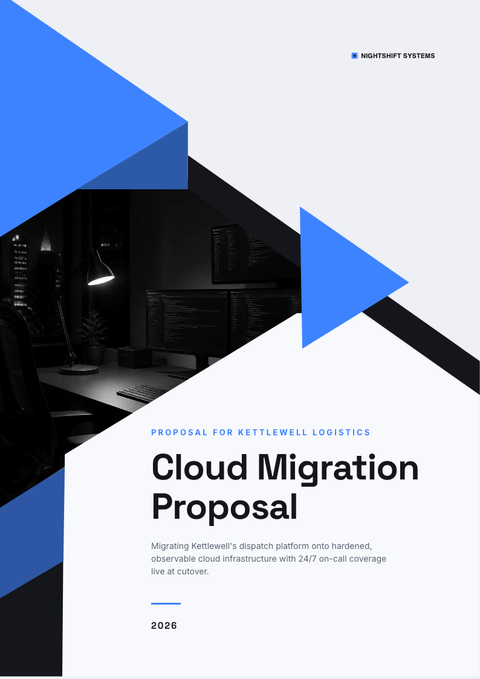
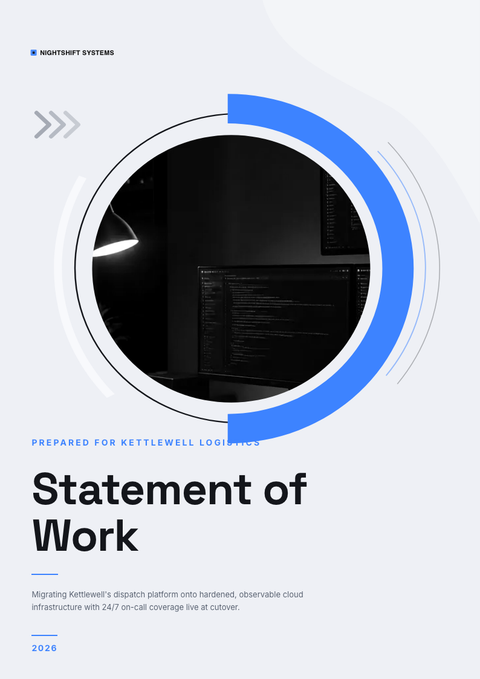
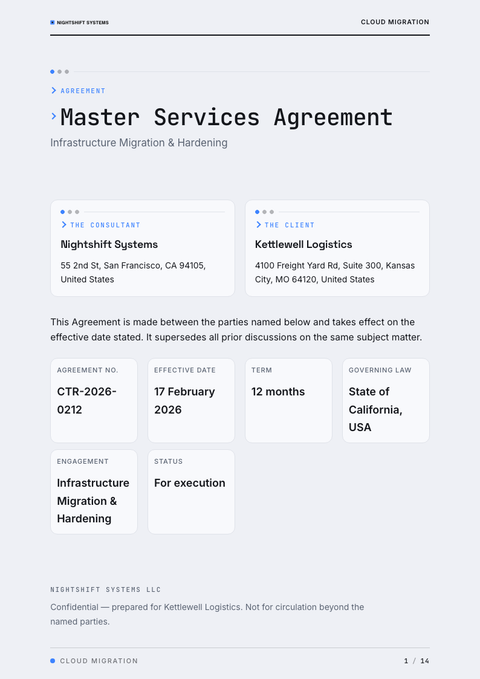
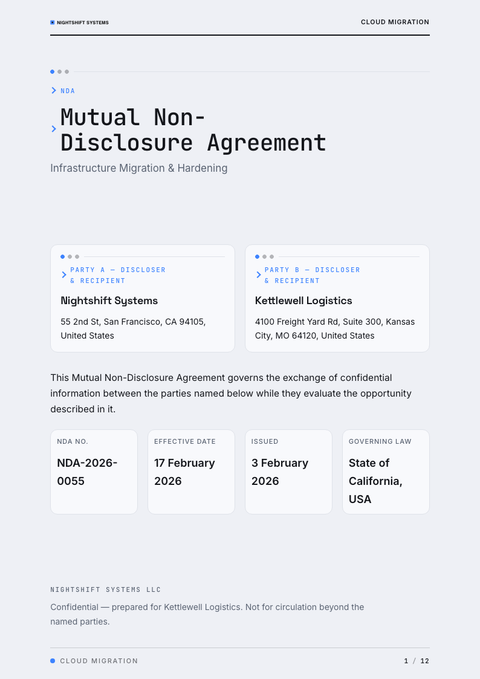
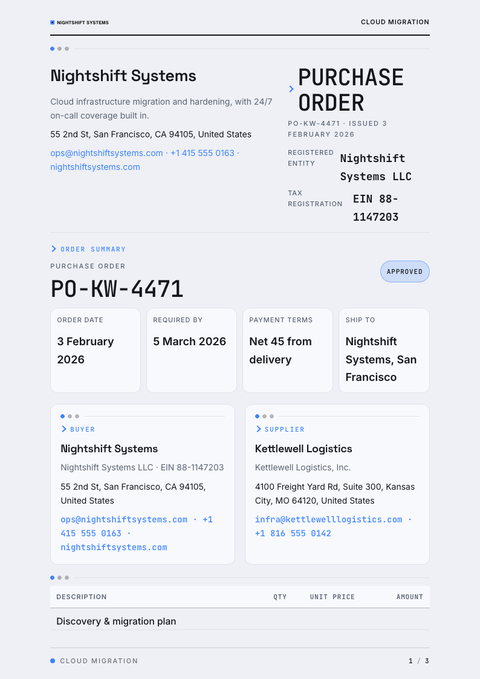
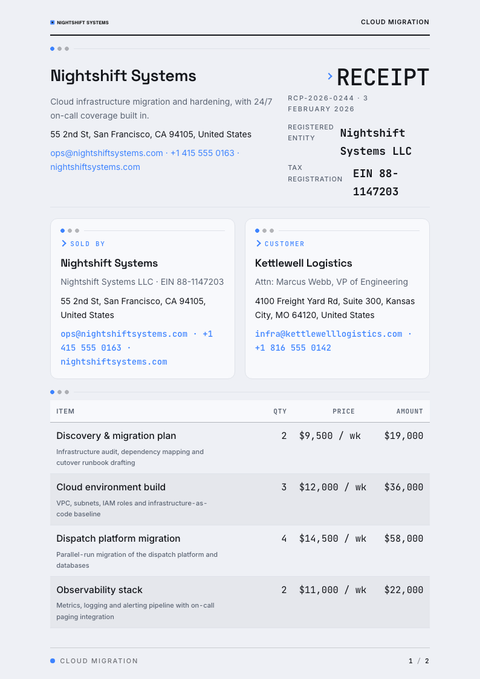
One look, every document. The same Dark Mode treatment, applied to the rest of what you send.
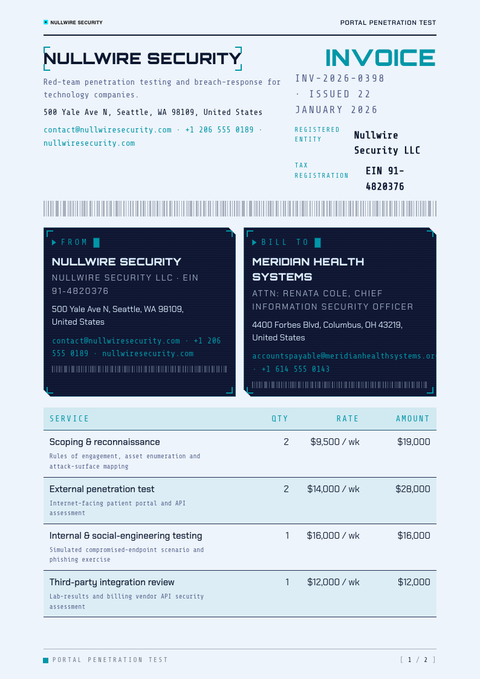
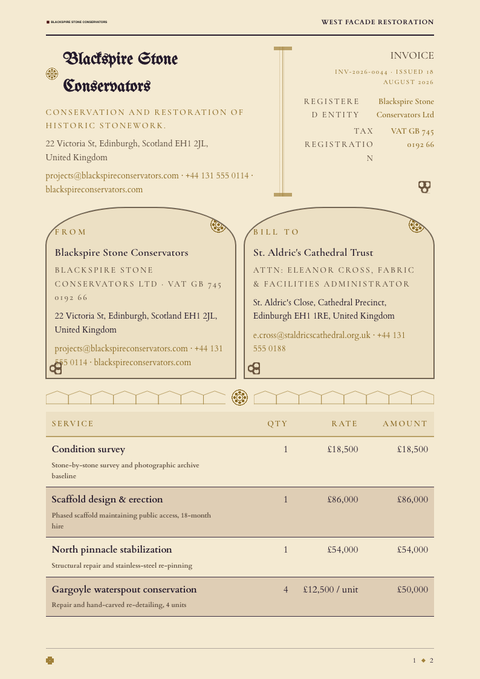
More styles


Make this invoice yours
Generate a Dark Mode invoice with your brand, your content and your logo — finished and ready to send.