
AI Purchase Order Generator
An AI Purchase Order Generator that turns a buyer's order request into a numbered, supplier-ready PO with itemised totals in minutes.

Real examples of purchase orders, generated end to end
Three purchase orders Waxe actually finished — each document branded, paginated, and ready to send. Hover a card to flip through its pages, then open any style to read the whole document.


What goes into a Purchase Order
- 1PO number & order date
A unique PO number and order date sit at the top so every order is traceable and dated from the moment it's raised.
- 2Buyer & supplier details
Buyer and supplier blocks name both sides of the order with the contact and account details each party needs to fulfil it.
- 3Itemised order table
An itemised order table lists each good or service on its own line with a clear description and unit price.
- 4Quantities & totals
Quantities and line totals roll up into an order total, calculated for you so the figures never need a separate spreadsheet.
- 5Delivery terms & date
Delivery terms and the required-by date tell the supplier how and when the order must arrive.
- 6Shipping & billing addresses
Shipping and billing addresses separate where goods go from where the invoice is settled, leaving no room for misrouted deliveries.
- 7References & authorisation
References and an authorisation line tie the PO to your internal records and confirm the order is approved to place.
How Waxe builds your purchase order
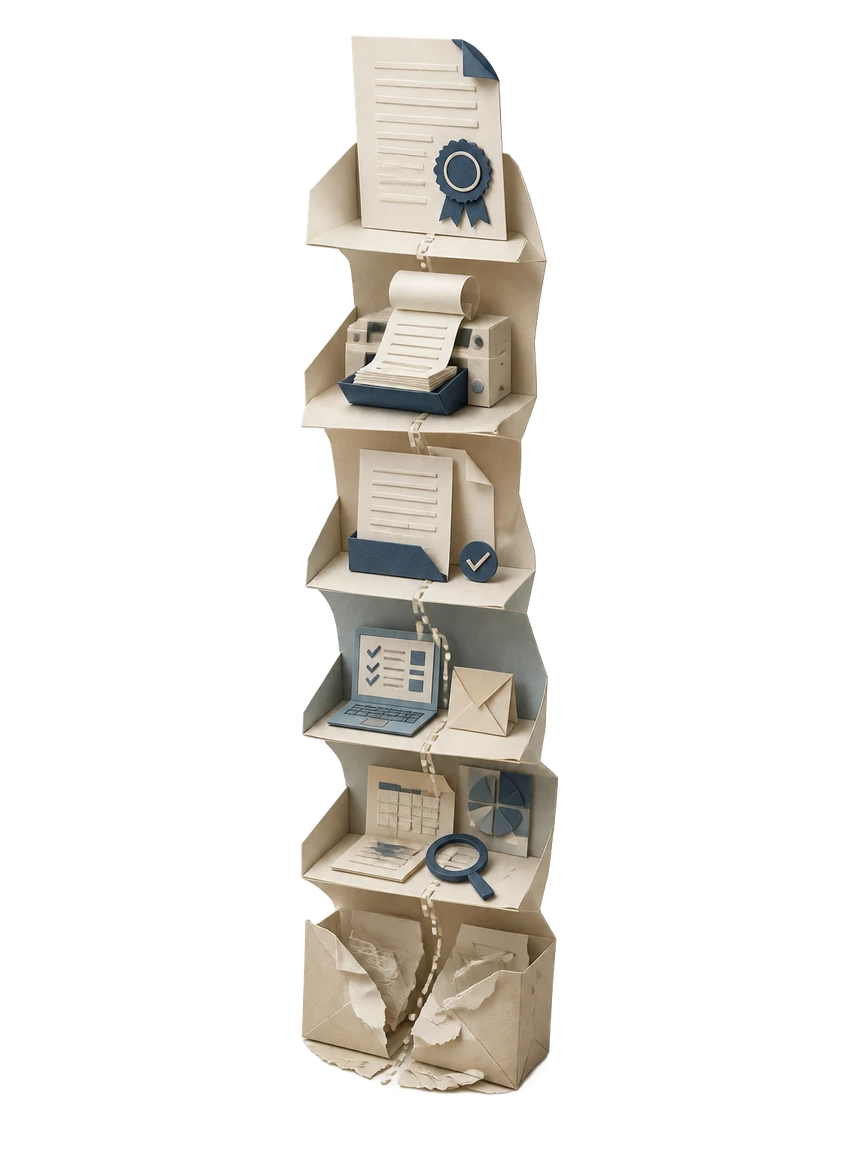
- 1
Tell Waxe what you're ordering
Describe the supplier, the goods or services, and the quantities you need. Drop in a quote or last order if you have one. Waxe reads the brief and pulls out the line items, prices, and delivery date it needs to raise the PO.
- 2
Waxe assigns the PO number and details
Waxe sets a unique PO number and order date, then fills the buyer and supplier blocks from your details and the supplier you named. Your billing and shipping addresses drop in automatically, so the order's identity is locked before a single line is added.
- 3
The itemised table is built and totalled
Each good or service becomes a row with a description, quantity, and unit price. Waxe calculates line totals and the order total as it goes. You get a clean itemised table instead of a blank grid to fill in by hand.
- 4
Delivery terms and authorisation are added
Waxe attaches your standard delivery terms and the required-by date, then adds references and the authorisation line. The PO now reads as a formal buyer-issued order, with scope, timing, and approval all visible in one place.
- 5
Review, edit, and send
Scan the quantities, totals, and delivery date, adjust any field inline, and send the finished PO to your supplier. If a line changes, tweak it and regenerate in moments rather than rebuilding the document from scratch.
Why buyers use the AI Purchase Order Generator
Minutes, not an afternoon
Raising a PO by hand means renumbering an old file and re-totalling every line. Waxe produces a finished purchase order in about five minutes for a few cents, so you check the order instead of formatting it.
Consistent across every order
Your buyer block, addresses, and delivery terms carry across every PO. Supplier details and line items change per order, but the structure stays identical, so all your purchase orders read as one tidy set.
Totals that add up
Waxe calculates each line total and the order total as it builds the itemised table. Add or remove a row and the figures stay coherent, so you never reach for a separate spreadsheet to check the maths.
Reorder without retyping
Need the same goods from the same supplier next month? Waxe spins up a fresh PO with a new number and order date while keeping the line items intact, turning a repeat order into a quick review.
Supplier-ready on send
Every PO arrives with the PO number, buyer and supplier blocks, itemised table, delivery terms, addresses, and authorisation line in place. There's nothing to format afterwards, so the order is ready the moment you've reviewed it.
Edit any field inline
Change a quantity, swap a delivery date, or fix an address directly in the document. Waxe keeps the totals and layout intact as you edit, so a late change never means starting the purchase order over.
The old way vs. waxTable
From order request to sent PO
Brief
You tell Waxe the supplier, the goods or services, the quantities, and when you need them delivered. A quote or previous order speeds things along but isn't required.
Generate
Waxe assigns the PO number and order date, fills the buyer and supplier blocks, and builds the itemised table with quantities and calculated totals.
Review
You check the line items, totals, addresses, and delivery date, then edit any field inline. Delivery terms, references, and the authorisation line are already in place.
Send
The finished, supplier-ready purchase order goes to your supplier. If a line changes later, you adjust it and regenerate in moments rather than rebuilding the document.
Our promise
A purchase order is just structure: a number, two parties, an itemised table that has to total correctly, and clear delivery terms. I assemble all of it from your brief so you spend your time approving the order, not formatting it.Waxe, your AI operations manager
Questions, answered
What does this AI Purchase Order Generator actually produce?
You describe what you're ordering, from whom, and when you need it. Waxe generates a complete purchase order with a unique PO number and order date, buyer and supplier blocks, an itemised order table, quantities and line totals, and delivery terms. Shipping and billing addresses, references, and an authorisation line are all filled in. The result is a clean, supplier-ready PO you can review, edit, and send. No template wrangling and no manual maths on line totals.
How long does it take to make a purchase order in waxTable?
Drafting a PO by hand means copying last month's file, renumbering it, retyping supplier details, and re-totalling every line. With waxTable, Waxe produces a finished purchase order in about five minutes for a few cents. You spend your time checking quantities and delivery dates, not formatting tables or chasing the next PO number. Need ten orders for ten suppliers? Each one comes back numbered, itemised, and consistent, so what used to take an afternoon is done before your coffee cools.
Can I match the purchase order to my own buyer details and terms?
Yes. Waxe carries your buyer block, billing and shipping addresses, and standard delivery terms across every PO so they read as one consistent set of orders. Supplier details, line items, quantities, and totals change per order; your authorisation line and references stay in place. You can adjust any field before sending, and the design stays clean and legible. Every purchase order looks like it came from the same buying desk, because it did.
Does it handle the itemised table and totals correctly?
That table is the heart of the document, so Waxe builds it carefully. Each line gets a description, quantity, and unit price, and the line totals and order total are calculated for you. Add or remove rows and the figures stay coherent. Delivery terms and the required-by date sit alongside the table so the supplier sees scope and timing together. You review the numbers, not rebuild them from a blank spreadsheet.
Is the purchase order ready to send to a supplier?
Each PO arrives with everything a supplier needs to act: a PO number and order date, your buyer details and their supplier details, the itemised order with quantities and totals, delivery terms and date, shipping and billing addresses, plus references and an authorisation line. You review it, make any edits, and send. It reads as a formal buyer-issued order, not a rough draft. If a supplier queries a line, you adjust that field and regenerate in moments rather than rebuilding the whole document.
Your next purchase order, in five minutes
Tell Waxe about the client and get a complete, on-brand purchase order to review — the work of two days for a few cents. There is no blank page to start from and nothing to format by hand; you answer a short brief, Waxe does the drafting, and you keep full control of the final document in the editor.