
Motion · Requirements Document example
Scroll-Triggered Requirements Document
Product, SaaS and digital brands that want a guided, scrollytelling feel:
Best forProduct, SaaS and digital brands that want a guided, scrollytelling feel: a vertical progress spine, numbered scroll-stages, waypoint markers, down-cues and progress meters pacing the reader down a narrative descent.
- Style
- Kinetic · Product
- Mood
- Guided · Kinetic · Modern
- Typography
- Sans-serif
Rendered by Waxe — not a template

What's inside
The Scroll-Triggered style sets the mood; this is the structure underneath. Waxe writes every section for you and lays it out to match your brand.
- Overview & objectives
- Scope & context
- Functional requirements
- Non-functional requirements
- Acceptance criteria
- Assumptions & constraints
- Out-of-scope
A closer look at Scroll-Triggered
Scroll-Triggered borrows its rhythm from the screen, even once the requirements document is printed or exported flat. It's built around a sense of guided descent — a progress spine running down the page, numbered stages, waypoint markers — so reading feels less like scanning and more like being led somewhere.
A vertical spine tracks progress along the margin, with numbered scroll-stage markers, small down-cues and meter bars pacing the reader from section to section. The sans typeface stays clean and modern throughout, kept deliberately quiet so the kinetic structure — not the letterforms — carries the sense of forward motion.
It suits product and SaaS brands used to scrollytelling on the web and wanting that same guided feel carried into a requirements document — a roadmap, an onboarding piece, anything meant to walk the reader through stages in order. Use it when sequence matters as much as content.
What makes Scroll-Triggered work as a requirements document is that the progress spine gives even a long document a visible sense of how much is left, which keeps a reader moving instead of losing their place. It works best when the content genuinely has stages; force a flat brief into numbered waypoints and the structure feels imposed.
The stages shown here are a demonstration sequence, not a fixed template. Waxe maps your own content onto the same spine and rebuilds it in your brand, delivering a requirements document that still guides the reader stage by stage.
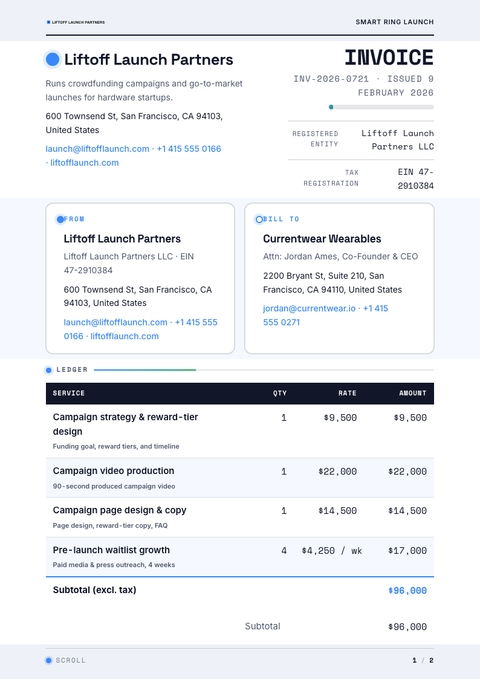
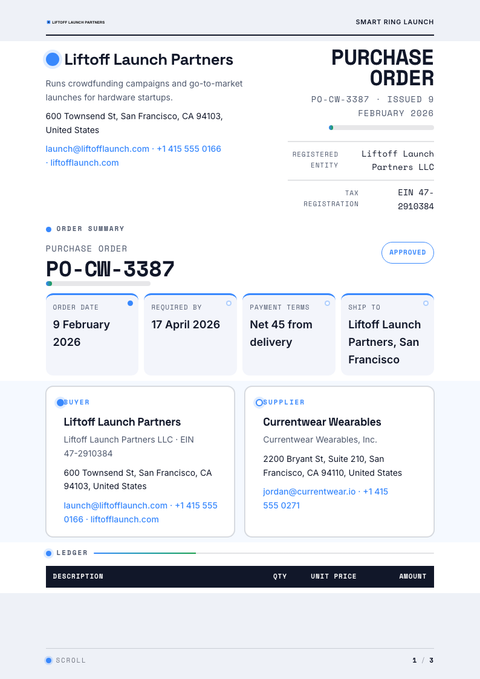
Scroll-Triggered across your paperwork
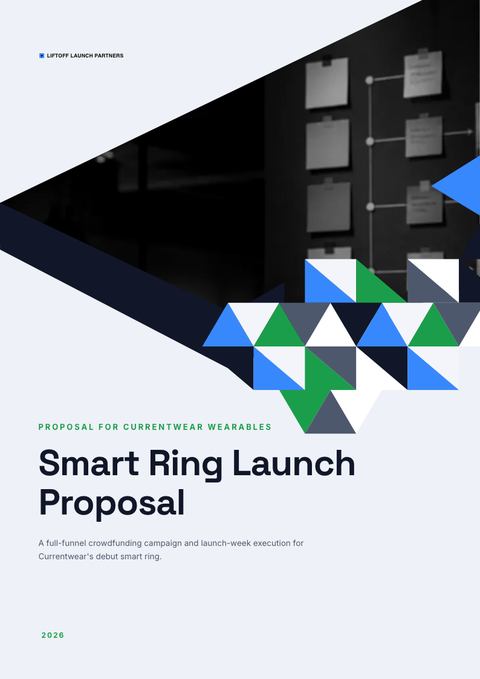
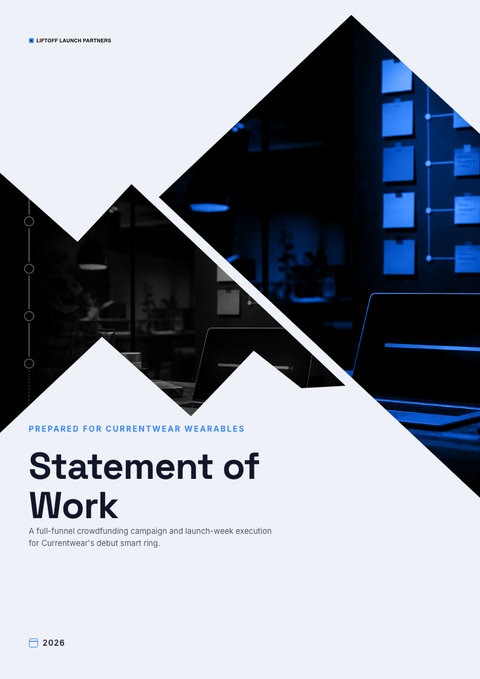
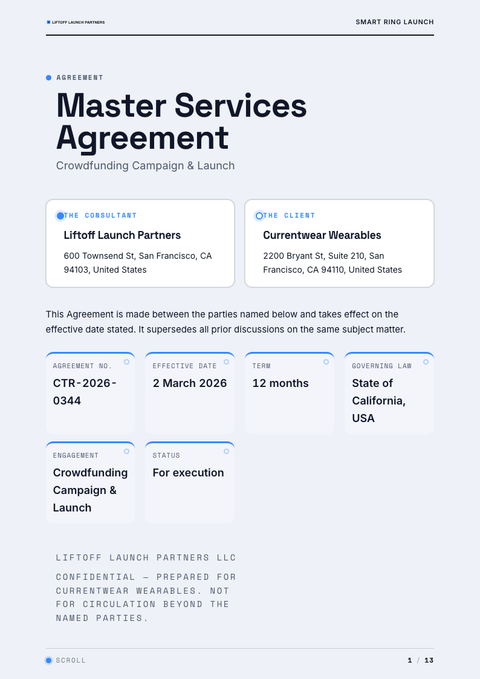
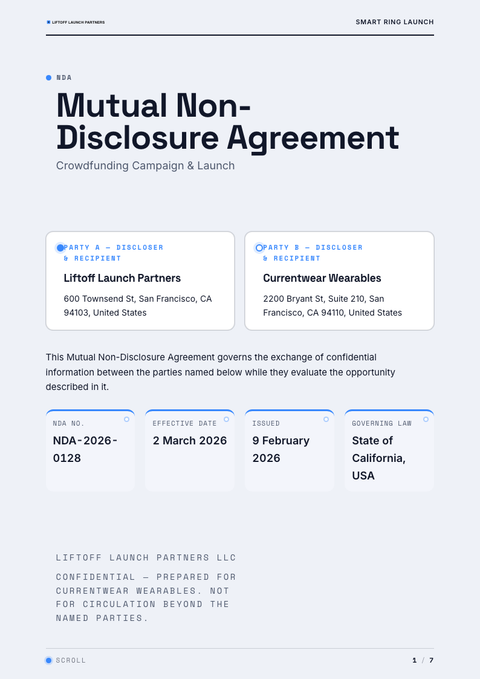
One look, every document. The same Scroll-Triggered treatment, applied to the rest of what you send.
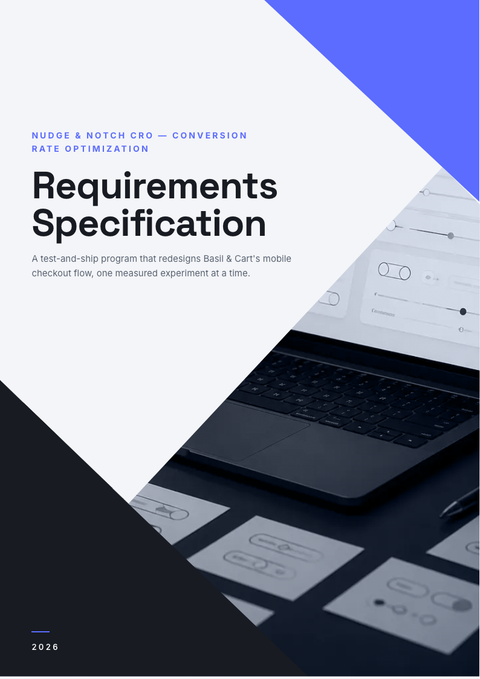
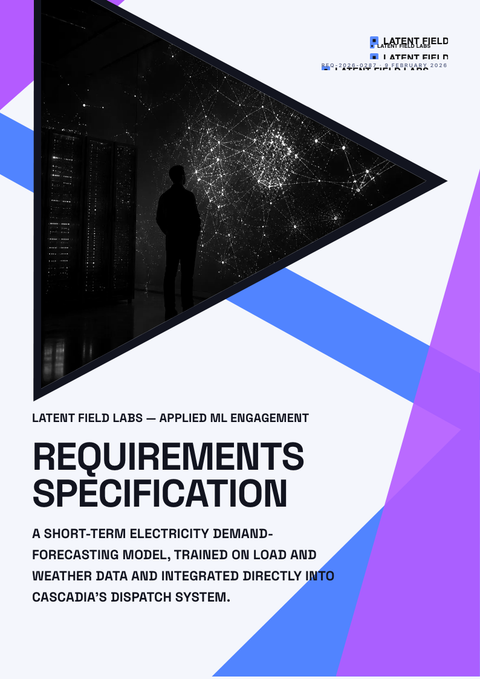
More styles


Make this requirements document yours
Generate a Scroll-Triggered requirements document with your brand, your content and your logo — finished and ready to send.