
AI Receipt Generator for General Contractor
An AI Receipt Generator for General Contractor work that turns a closed-out payment into a clean, paid-in-full receipt in minutes for a few cents.

Built for General Contractor
Where it hurts
- Owners compare bids line by line and assume the cheapest is equivalent without a clear scope
- Change orders and unforeseen conditions cause friction unless the proposal sets a clear process
- Material and labour cost volatility makes fixed pricing risky without stated assumptions and allowances
- Schedule, phasing and trade coordination are hard to convey without a structured timeline
- Buyers need proof of licensing, insurance, bonding and safety record before they sign
Pricing model: fixed price or cost-plus with allowances
What you hand over
- Site assessment and scope definition
- Itemised cost estimate with allowances
- Project schedule and phasing plan
- Permits and regulatory coordination
- Subcontractor and trade management
- Materials procurement and quality control
- Change-order process and final walkthrough

What goes into a Receipt
- 1Receipt & transaction number
A receipt and transaction number that uniquely tags this payment so the contractor and the owner can reference the exact job later.
- 2Payment date
The payment date that fixes when the money settled, anchoring the record for the owner's books and your own job ledger.
- 3Paid-by & paid-to details
Paid-by and paid-to details naming the owner or client and your contracting business, so there is no question who settled with whom.
- 4Itemised summary
An itemised summary listing what the payment covered, from scope phases and materials to subcontractor and trade work.
- 5Total paid
The total paid stated as a single settled figure, resolving any allowances drawn down under a fixed-price or cost-plus arrangement.
- 6Payment method
The payment method recording how the owner paid, whether by cheque, transfer, or card, for clean reconciliation.
- 7Paid confirmation
A clear paid confirmation that states the balance is settled, closing out the job in plain past tense.
How Waxe builds your contractor receipt
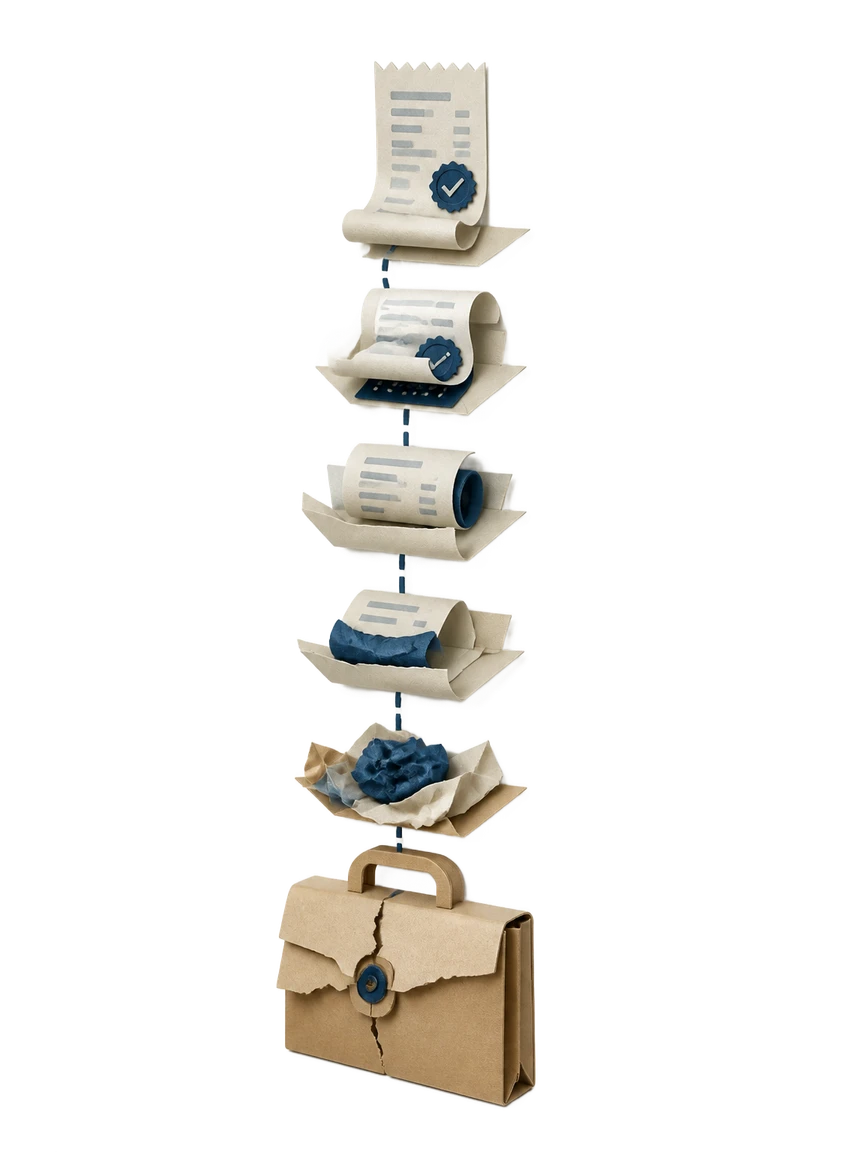
- 1
Tell Waxe the job
You describe the completed work in plain language: the owner, the scope phases delivered, and the amount paid. Waxe reads it the way an operations manager would, picking out who paid, what they paid for, and how much. No template hunting required.
- 2
Set the numbers and method
You confirm the total paid and the payment method, plus any allowances that were drawn down on a fixed-price or cost-plus job. Waxe slots them into the itemised summary and total paid so the figures reconcile. The receipt and transaction number are assigned automatically.
- 3
waxTable drafts the receipt
waxTable generates the full document in order, from receipt number through paid confirmation. The payment date, paid-by and paid-to details, and itemised summary land in their fixed slots. You get a finished receipt, not a blank form to wrestle with.
- 4
Brand and review
The receipt is designed on your colours, type, and logo so it looks like your shop. You scan the itemised summary and total paid, then check the paid confirmation reads right for this owner. Adjust any line specific to the job in a click.
- 5
Send and keep on file
You export the receipt and hand it to the owner as proof the payment settled. waxTable keeps it tidy and consistent with your other jobs, so your records stay clean. The next receipt starts just as fast for a few cents.
What an on-brand contractor receipt looks like
An on-brand result reads as a calm, paid-in-full confirmation in your colours and logo, not a generic form. The receipt and transaction number sit up top, the itemised summary lists the scope and materials the payment covered, and the total paid resolves cleanly. It closes with a plain paid confirmation an owner can trust at a glance.

The old receipt grind vs. waxTable
Why contractors use waxTable for receipts

Minutes, not an afternoon
Closing a job should not cost you a half-day of admin. waxTable turns a settled payment into a complete receipt in about five minutes for a few cents. You spend the saved time on the next bid, not on formatting.
Allowances that reconcile
Fixed-price and cost-plus jobs carry allowances that are easy to mis-state by hand. waxTable resolves drawn-down allowances into a single total paid that matches the itemised summary. The owner sees one settled figure with no guesswork.
On your contracting brand
Every receipt is designed on your colours, type, and logo, so it reads like your shop closed the job. The structured layout stays steady from the first receipt to the fiftieth. Your paperwork looks finished, never improvised.
Proof a payment settled
Owners and bookkeepers need an unambiguous record after a change-order-heavy build. The receipt pairs a transaction number and payment date with the total paid, payment method, and a clear paid confirmation. Both sides keep one clean proof per payment.
Consistent across every job
Every receipt keeps its parts in the same fixed order, from receipt number to paid confirmation. That consistency makes your records easy to file and easy for an owner to scan. One tidy document per payment, every time.
Questions, answered
What does the AI Receipt Generator for General Contractor produce?
waxTable generates a concise, past-tense receipt that confirms a contractor payment is complete. It carries a receipt and transaction number, the payment date, paid-by and paid-to details, an itemised summary, the total paid, the payment method, and a clear paid confirmation. The layout follows that fixed order so an owner can scan it in seconds. It reflects work you actually deliver, from site assessment and itemised estimates to permits and final walkthrough. You describe the job once and Waxe drafts the receipt for you.
Can it handle fixed-price and cost-plus jobs with allowances?
Yes. General contractors price work as fixed price or cost-plus with allowances, and the receipt records what was actually paid against that arrangement. The itemised summary can list scope phases, materials procurement, and subcontractor work, while the total paid resolves any allowances drawn down. Because it is a past-tense confirmation, it states the settled figure rather than re-opening the estimate. You tell Waxe the line items and the amount, and waxTable assembles the receipt. The result reads cleanly whether the contract was fixed or cost-plus.
How long does a receipt take to make?
About five minutes for a few cents. Instead of reopening a template, copying the last job's numbers, and hand-fixing the transaction number, you give Waxe the details once. waxTable then drafts the receipt with the date, paid-by and paid-to details, itemised summary, total paid, and payment method already in place. You review the paid confirmation and adjust anything specific to the job. Work that used to eat an afternoon of admin is done before your coffee cools.
Will the receipt match my contracting brand?
Yes. waxTable designs the receipt on your colours, type, and logo so it looks like it came from your shop, not a generic form. The itemised summary and total paid sit in a structured layout that owners and accountants can read at a glance. Every part, from the receipt number to the paid confirmation, stays in the same order across jobs, so your paperwork looks consistent. Waxe keeps the styling steady whether you send one receipt or fifty. It reads like a finished document, not a fill-in box.
Does the receipt help with proof for owners and bookkeeping?
It does. Owners want clean records after a change-order-heavy job, and bookkeepers need the numbers tied to a date and method. The receipt pairs a receipt and transaction number with the payment date, the total paid, and the payment method, then closes with a clear paid confirmation. That gives both sides an unambiguous record that the payment settled. The itemised summary shows what the money covered, from materials to subcontractor work. You keep one tidy document per payment instead of chasing scattered notes.
Your next receipt, in five minutes
Tell Waxe about the client and get a complete, on-brand receipt to review — the work of two days for a few cents. There is no blank page to start from and nothing to format by hand; you answer a short brief, Waxe does the drafting, and you keep full control of the final document in the editor.