
The Receipt Template Alternative
The receipt template alternative: Waxe designs a clean, paid-in-full receipt with itemised totals and payment method in minutes for a few cents.

The receipt template alternative, side by side
What goes into a Receipt
- 1Receipt & transaction number
A unique receipt and transaction number anchors the document so the payment can be traced and reconciled later.
- 2Payment date
The payment date records exactly when the funds cleared, fixing the receipt to a moment in your books.
- 3Paid-by & paid-to details
Paid-by and paid-to details name both parties clearly so there is no confusion about who settled what.
- 4Itemised summary
The itemised summary breaks the purchase into clear lines, each showing what was paid for and its amount.
- 5Total paid
The total paid states the full settled figure in one prominent line so the payer sees the bottom number at a glance.
- 6Payment method
The payment method notes how the balance was settled, whether card, transfer, or another channel, for clean records.
- 7Paid confirmation
A plain paid confirmation closes the receipt, stating in past tense that the balance is complete and nothing is outstanding.
How Waxe generates your receipt
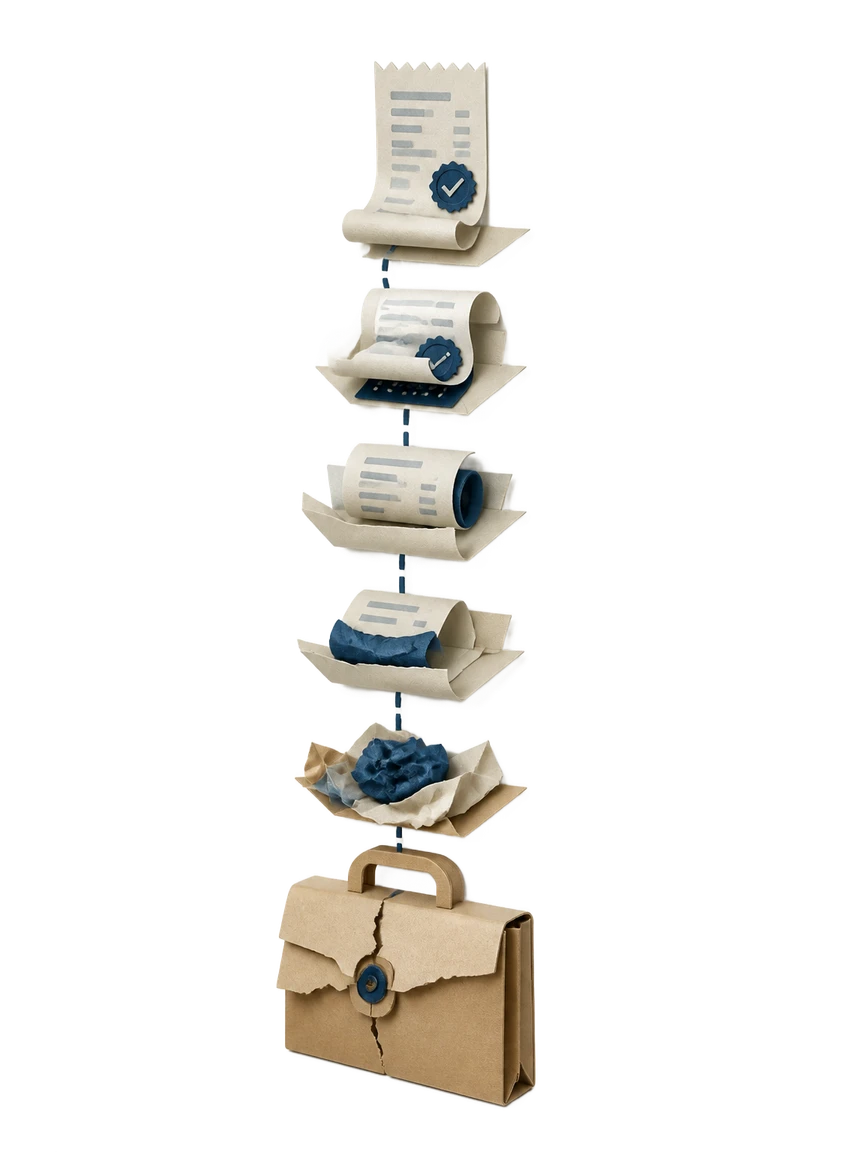
- 1
Tell Waxe about the payment
You give Waxe the basics in plain language: who paid, who was paid, what the payment covered, and the amount. No template fields to hunt through. She takes it from there and starts shaping the receipt around those facts.
- 2
She numbers and dates it
Waxe assigns the receipt and transaction number and sets the payment date so the document is traceable from the first line. These anchors keep your records consistent and make the receipt easy to reconcile against the original payment later.
- 3
She itemises and totals
Waxe builds the itemised summary line by line, listing what was paid for, then sums the lines into the total paid. The figures are checked against each other so the bottom number agrees with the items above it before you ever see it.
- 4
She records method and confirms paid
Waxe notes the payment method and adds the clear paid confirmation in past tense. The receipt now reads as a settled transaction, leaving the payer with no doubt that the balance is complete and nothing further is owed.
- 5
Review and send
You scan the finished receipt, adjust any line or detail if needed, and send it. The whole pass takes about five minutes for a few cents, and the layout stays consistent for the next payment you confirm.
What you get with every receipt
Minutes, not twenty
A receipt that took twenty minutes to format by hand is generated in about five minutes. You describe the payment once and Waxe does the layout, numbering, and totals, so confirming a settled balance stops eating your afternoon.
A few cents each
Each receipt costs a few cents to generate, with no per-token pricing and no surprises. You pay a small amount per document, which makes confirming every payment in a busy week sensible rather than something you put off.
Itemised and reconciled
Waxe builds the itemised summary line by line and checks each line against the total paid. The figures agree before you send, so the bottom number always matches what the payer was actually charged.
Clear paid confirmation
Every receipt closes with a plain, past-tense paid confirmation and the payment method on record. The payer sees at a glance that the balance is settled, which cuts the follow-up questions about whether a payment went through.
Consistent every time
Waxe holds one clean layout across all your receipts. The transaction number, totals, and paid-by and paid-to details always sit in the same place, so your confirmations read like reliable bookkeeping rather than ad-hoc notes.
Editable before it sends
The receipt is a working document, not a locked image. You can correct a payment method, adjust an itemised line, or fix the total paid in seconds, then send, without rebuilding anything from a blank template.
Included in every receipt
- A unique receipt and transaction number
- The payment date the funds cleared
- Paid-by and paid-to details for both parties
- An itemised summary of what was paid for
- The total paid as a single clear figure
- The payment method used to settle the balance
- A plain past-tense paid confirmation
- A clean layout that stays consistent across receipts
From payment to sent receipt
Describe the payment
You tell Waxe who paid, who was paid, what the payment covered, and the amount, in plain language with no template to fill.
Waxe drafts the receipt
She assigns the receipt and transaction number, sets the payment date, and lays out the paid-by and paid-to details around your facts.
Items and total reconcile
Waxe builds the itemised summary, sums it into the total paid, records the payment method, and adds the clear paid confirmation.
Review and send
You scan the finished receipt, fix any detail in seconds if needed, and send it, all in about five minutes for a few cents.
Questions, answered
How is this the receipt template alternative, not just another template?
A template is a blank form you fill in by hand every time a payment clears. waxTable works differently: you tell Waxe what was paid, who paid, and how, and she generates a finished receipt with the transaction number, itemised summary, total paid, and a clear paid confirmation already in place. There is no form to wrestle with and no fields left empty. Each receipt comes out polished and ready to send. The result is a real document, not a starting point you still have to format.
What does Waxe actually put on the receipt?
Every receipt carries the parts a payer expects to see after a transaction closes. That means a receipt and transaction number, the payment date, paid-by and paid-to details, an itemised summary of what was purchased, and the total paid. Waxe also records the payment method and a plain paid confirmation so there is no ambiguity that the balance is settled. The order follows how people read a receipt, top to bottom. Nothing important is buried or missing.
How long does one receipt take and what does it cost?
A receipt that might take twenty minutes to lay out by hand is generated in about five minutes for a few cents. You describe the payment once and Waxe handles the transaction number, the itemised lines, the total, and the paid confirmation. There are no per-token charges and no surprise pricing. You pay a small amount per document and move on. The time you save compounds across every payment you confirm in a week.
Can I change details after the receipt is generated?
Yes. Waxe produces an editable document, not a locked image. You can adjust the itemised summary, correct a payment method, update the paid-by or paid-to details, or fix the total paid before anything goes out. The receipt and transaction number stays consistent so your records line up. Once it reads the way you want, you send it. Small corrections take seconds, not a fresh start from a blank template.
Does every receipt look consistent for my business?
It does. Waxe keeps the same clean, professional layout across every receipt you generate, so a payer sees the same structure whether it is their first transaction or their tenth. The itemised summary, total paid, and paid confirmation always sit in predictable places. That consistency reads as reliable bookkeeping and makes your confirmations easy to scan. You get a coherent look without rebuilding a template each time a payment lands.
Your next receipt, in five minutes
Tell Waxe about the client and get a complete, on-brand receipt to review — the work of two days for a few cents. There is no blank page to start from and nothing to format by hand; you answer a short brief, Waxe does the drafting, and you keep full control of the final document in the editor.