
AI Receipt Generator for Web Development
An AI Receipt Generator for Web Development that turns a paid project into an itemised, past-tense receipt confirming every workstream in about five minutes.

Built for Web Development
Where it hurts
- Clients struggle to understand what they're paying for without a clear breakdown of workstreams and effort
- Scope creep erodes margins when deliverables aren't defined upfront with explicit exclusions
- Competing on price against cheaper providers without being able to articulate quality and process
- Long back-and-forth over project timelines when phases and dependencies aren't mapped out
- Losing deals because proposals arrive too late or look unpolished compared to larger agencies
Pricing model: itemised workstreams
What you hand over
- Discovery & requirements specification
- UX wireframes and design mockups
- Front-end development (HTML/CSS/JS and framework build)
- Back-end development and API integrations
- CMS setup and content migration
- QA testing and cross-browser/device validation
- Deployment and go-live support
- Post-launch handover documentation and training
What goes into a Receipt
- 1Receipt & transaction number
A unique receipt and transaction number identifies this web project payment so you and the client can reference it in any later support or accounting query.
- 2Payment date
The payment date records exactly when the build was settled, anchoring the receipt as a past-tense confirmation rather than an open invoice.
- 3Paid-by & paid-to details
Paid-by and paid-to details name the client company and your web development studio, making the record unambiguous for both sides' bookkeeping.
- 4Itemised summary
The itemised summary lists each billed workstream, from discovery and wireframes to back-end development, QA, and deployment, so the client sees what every part of the payment covered.
- 5Total paid
The total paid reconciles all itemised workstreams into a single confirmed figure, removing any doubt about the final amount settled.
- 6Payment method
The payment method states how the project was paid, giving the client a complete record alongside the amount and date.
- 7Paid confirmation
A clear paid confirmation marks the project as settled in full, closing the engagement cleanly and signalling that nothing further is owed.
How Waxe builds your web development receipt
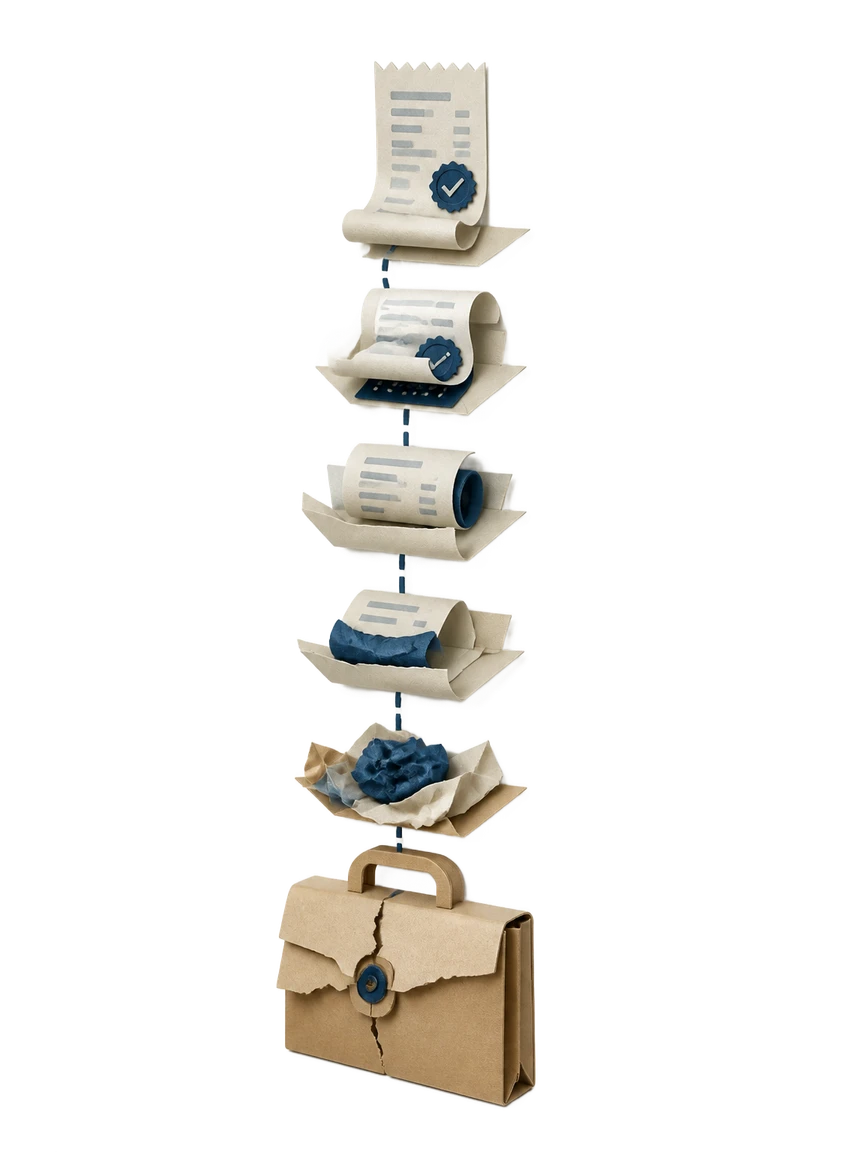
- 1
Share the project and amounts
You tell Waxe which web project was paid, the client, and the payment date. Waxe pulls these into the paid-by and paid-to details so the receipt is anchored to the right engagement from the start. No blank form to wrestle with.
- 2
Itemise the workstreams
Waxe lays out the itemised summary using the workstreams you actually delivered, such as discovery, design mockups, front-end build, API integrations, QA, and deployment. Because your pricing is itemised, the receipt reflects the same structure the client already agreed to. Each line states what was covered.
- 3
Reconcile the total
Waxe sums the itemised lines into the total paid and records the payment method. The figures reconcile automatically, so the receipt number, line items, and total all agree. You confirm the amounts rather than recalculating them by hand.
- 4
Apply your studio's brand
waxTable designs the receipt in your studio's colours, logo, and typography. The paid confirmation, transaction number, and total sit in a clean, scannable layout that looks as considered as the site you built. The document is ready to stand next to a larger agency's.
- 5
Review and send
You scan the finished receipt, check the paid confirmation and totals, and send it to the client. The whole pass takes about five minutes for a few cents, replacing the slow back-and-forth of editing an old file. The engagement closes cleanly.
What an on-brand web development receipt looks like
An on-brand result opens with your studio's logo and a clear paid confirmation, then lays the itemised workstreams in an orderly summary the client can follow line by line. The receipt and transaction number, payment date, and payment method sit where the eye expects them, with the total paid set apart so it reads at a glance. It looks like a finished record of a delivered build, not a recycled template.

The old receipt way versus waxTable
Why web development studios use waxTable for receipts

Minutes, not an afternoon
A project receipt that once meant editing an old file and reconciling lines by hand now takes about five minutes for a few cents. Waxe assembles the itemised summary and total so you can send and move on.
Itemised by workstream
The receipt mirrors your itemised pricing, listing discovery, wireframes, front-end and back-end build, CMS setup, QA, and deployment. Clients see exactly what each part of the payment covered, ending vague questions about a single lump total.
On-brand, every time
waxTable designs each receipt in your studio's logo, colours, and typography. A payment confirmation that looks as polished as the site you built helps you stand alongside larger agencies instead of behind them.
Reconciled and accurate
Waxe sums the itemised lines into the total paid and records the payment method, so the receipt number, lines, and total always agree. You confirm the figures rather than chasing a mismatch across files.
A clean record to close on
Each receipt carries its own transaction number, payment date, and clear paid confirmation. The engagement closes with an unambiguous record both your studio and the client can reference for accounting later.
Questions, answered
What does the AI Receipt Generator for Web Development actually produce?
It produces a concise, past-tense receipt that confirms a completed payment for a web project. Each receipt carries a receipt and transaction number, the payment date, paid-by and paid-to details, and an itemised summary of the workstreams that were billed. You see the total paid, the payment method used, and a clear paid confirmation. Because your pricing model is itemised workstreams, the receipt mirrors exactly how you quoted the build, from discovery through deployment.
Will the receipt show clients what they paid for line by line?
Yes. The itemised summary breaks the payment into the same workstreams you deliver: discovery and requirements, UX wireframes and design mockups, front-end and back-end development, CMS setup, QA testing, deployment, and post-launch handover. This directly answers the common client struggle to understand what they are paying for. Each line states the effort it covered so the breakdown reads as a record of work done. The total paid then reconciles every line into one confirmed figure.
How long does it take and what does it cost to generate one receipt?
Waxe drafts a finished, on-brand receipt in about five minutes for a few cents. What used to mean opening last quarter's file, retyping numbers, and reconciling line items by hand becomes a single guided generation. You give the project details and the paid amounts, and Waxe assembles the receipt and transaction number, the itemised summary, and the paid confirmation. The result is ready to send to a web development client without a second pass for formatting.
Can I match the receipt to my web development studio's brand?
Yes. waxTable designs each receipt around your studio's identity rather than dropping you into a fixed form. Your logo, colours, and typography carry through, so a receipt sent after a build looks as polished as the work itself. This matters when you are competing against larger agencies and cannot afford documents that look rushed. The layout stays clean and scannable, keeping the receipt number, total paid, and paid confirmation easy to read at a glance.
How is this different from a spreadsheet or a static receipt template?
A template forces you to overwrite old figures and hope nothing breaks the layout. waxTable generates a new receipt each time, so the paid-by and paid-to details, itemised workstreams, and payment method reflect this specific project. There is no risk of a stale transaction number or a mismatched total carried over from a past client. Waxe handles the structure while you confirm the facts, turning a fiddly, error-prone task into a few minutes of review.
Your next receipt, in five minutes
Tell Waxe about the client and get a complete, on-brand receipt to review — the work of two days for a few cents. There is no blank page to start from and nothing to format by hand; you answer a short brief, Waxe does the drafting, and you keep full control of the final document in the editor.