
Generate a Minimalist Invoice
Generate a minimalist invoice with Waxe: a calm, Swiss-clean payment request with a clear line-item table and bold total.


Minimalist
Clean & Minimalist
The style sets the mood — your brand sets the look.
What goes into a Invoice
- 1Invoice number & dates
A clear invoice number paired with issue and due dates anchors the header so the client can file and pay against the right reference.
- 2From & bill-to details
Your from-details and the client's bill-to block sit in a calm, two-column header with generous whitespace and no boxing around them.
- 3Itemised line items
The itemised line items form a quiet table of description, quantity, unit price, and amount, with restrained rules instead of heavy borders.
- 4Subtotal, tax & discount
A compact summary stacks the subtotal, any tax, and any discount in a single understated column beneath the table.
- 5Total due
The total due is the one bold figure on the page, set apart by whitespace so the eye lands on the amount to pay.
- 6Payment instructions
Payment instructions spell out how and where to pay, kept short and approachable so nothing about settling the bill is ambiguous.
- 7Notes & references
A closing notes and references area carries thank-you wording, PO numbers, or terms without cluttering the body of the invoice.
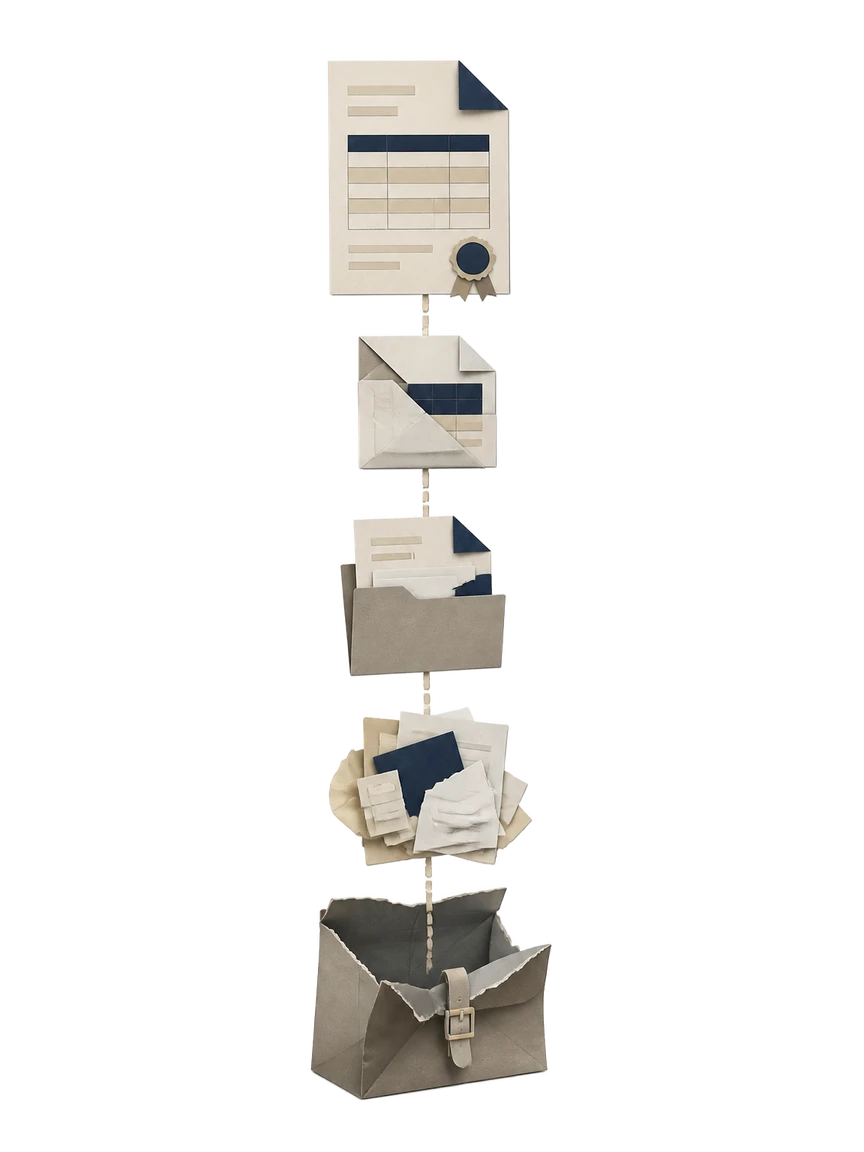
How Waxe builds your minimalist invoice
- 1
Describe the bill
Tell Waxe who you are, who you are billing, and what the invoice number and dates should be. You can paste a client name and address or pull from a prior job. Waxe sets up the numbered header and bill-to block in the minimalist layout.
- 2
Add the line items
List each piece of work with a description, quantity, and unit price. Waxe places them into a quiet, Swiss-clean table and calculates every amount. The structure stays airy, with restrained rules instead of grid lines, so the figures read at a glance.
- 3
Set tax, discount, and total
Apply a tax rate, a discount, or both, and Waxe rolls the subtotal into a single understated summary. The total due is computed from your line items and set as the one bold figure. The math stays consistent across the whole document.
- 4
Write payment instructions
Tell Waxe how you want to be paid and add any references, terms, or thank-you note. Waxe drops payment instructions and the notes block into the closing area. The wording stays short and approachable, in keeping with the understated style.
- 5
Review and send
Scan the finished minimalist invoice, edit any figure inline, and the totals follow automatically. When the numbers and branding look right, export or send it. The whole pass takes about five minutes for a few cents, not an afternoon.
What an on-brand minimalist invoice looks like
Expect pure white paper, generous whitespace, and a single accent doing all the color work. The line-item table reads cleanly with no shadows or heavy borders, and the total due stands alone as the one bold figure. It feels calm, restrained, and unmistakably yours.

Why generate a minimalist invoice with waxTable
Minutes, not afternoons
Waxe assembles the full invoice from your line items in about five minutes for a few cents. Time you would spend nudging spacing and totals goes back into the work you are billing for.
Quiet, Swiss layout
The design leans on generous whitespace, no shadows, and restrained type. Description, quantity, unit price, and amount line up in a calm table that a client can read without effort.
Totals that hold
Subtotal, tax, discount, and the bold total due are computed from your line items, not retyped. Edit any figure inline and the rest follow, so the math stays consistent end to end.
Restrained branding
Minimal color and minimal ornament keep your name and mark present without competing with the numbers. The page reads as humble and approachable while still feeling like yours.
Nothing left ambiguous
Invoice number, issue and due dates, payment instructions, and references all land where a client expects them. The understated layout makes the amount to pay and how to pay it obvious.
Reuse for the next job
Once your minimalist style is set, Waxe applies the same calm system to every invoice. Bill a new client or a repeat one and the header, table, and totals stay consistent.
The old way vs. waxTable
Questions, answered
What makes a minimalist invoice different from a standard one?
A minimalist invoice strips out borders, shading, and ornament so the numbers carry the page. It leans on generous whitespace, pure white paper, restrained type, and no shadows, which keeps the line-item table and the bold total instantly scannable. Waxe designs the layout around that calm, Swiss hierarchy rather than decorating it. The result reads as quiet and approachable while still showing invoice number, dates, totals, and payment instructions exactly where a client expects them.
How long does it take to generate a minimalist invoice?
Waxe turns a job's details into a finished, on-brand invoice in about five minutes for a few cents. You describe who you are billing, the line items, quantities, and unit prices, and Waxe assembles the whole document: numbered header, itemised table, subtotal, tax or discount, total due, and payment instructions. Work that used to mean an afternoon of fiddling with spacing now takes minutes. You review, adjust any figure, and send.
Can I keep my own branding on a minimalist invoice?
Yes. The minimalist style is restrained, not blank, so Waxe works your name, mark, and accent within an airy, understated layout. Minimal color and minimal typography keep the page humble while still feeling like yours. Your from-and-bill-to block, notes, and payment instructions all sit inside the same quiet system. Because the design avoids heavy ornament, your brand reads clearly without competing with the totals a client actually needs to act on.
Will every line item and total stay accurate?
Waxe builds the itemised table directly from the descriptions, quantities, and unit prices you provide, then computes each amount, the subtotal, any tax or discount, and the total due. The bold total is derived, not retyped, so the math stays consistent across the document. You can edit any figure inline and the totals follow. Every dollar a client sees traces back to a line item you entered, which keeps the request clean and disputable in your favour.
What do I need before I generate a minimalist invoice?
Have your business details, the client's bill-to information, and the work you are charging for ready. List each line item with a short description, quantity, and unit price, plus any tax rate or discount. Note how you want to be paid and any references like a PO or due date. Waxe handles the rest: numbering, dates, the line-item table, totals, payment instructions, and a tidy notes block, all in the minimalist layout.
Your next invoice, in five minutes
Tell Waxe about the client and get a complete, on-brand invoice to review — the work of two days for a few cents. There is no blank page to start from and nothing to format by hand; you answer a short brief, Waxe does the drafting, and you keep full control of the final document in the editor.