
The Invoice Template Alternative
The invoice template alternative: Waxe generates a fully itemised, payment-ready invoice with your line items and tax in about five minutes.

The invoice template alternative, line by line
What goes into a Invoice
- 1Invoice number & dates
A unique invoice number with the issue date and due date, so the request is easy to track and chase.
- 2From & bill-to details
The From details for your business and the bill-to details for the client receiving this payment request.
- 3Itemised line items
An itemised line-item table listing each piece of work with its description, quantity, unit price and amount.
- 4Subtotal, tax & discount
The subtotal of all rows, followed by tax or a discount applied to produce the payable figure.
- 5Total due
The total due, shown in bold so the client sees the exact amount owed at a glance.
- 6Payment instructions
Clear payment instructions stating how and where to pay and by which date.
- 7Notes & references
Closing notes and references, such as a purchase-order number or a short thank-you line.
How Waxe generates your invoice
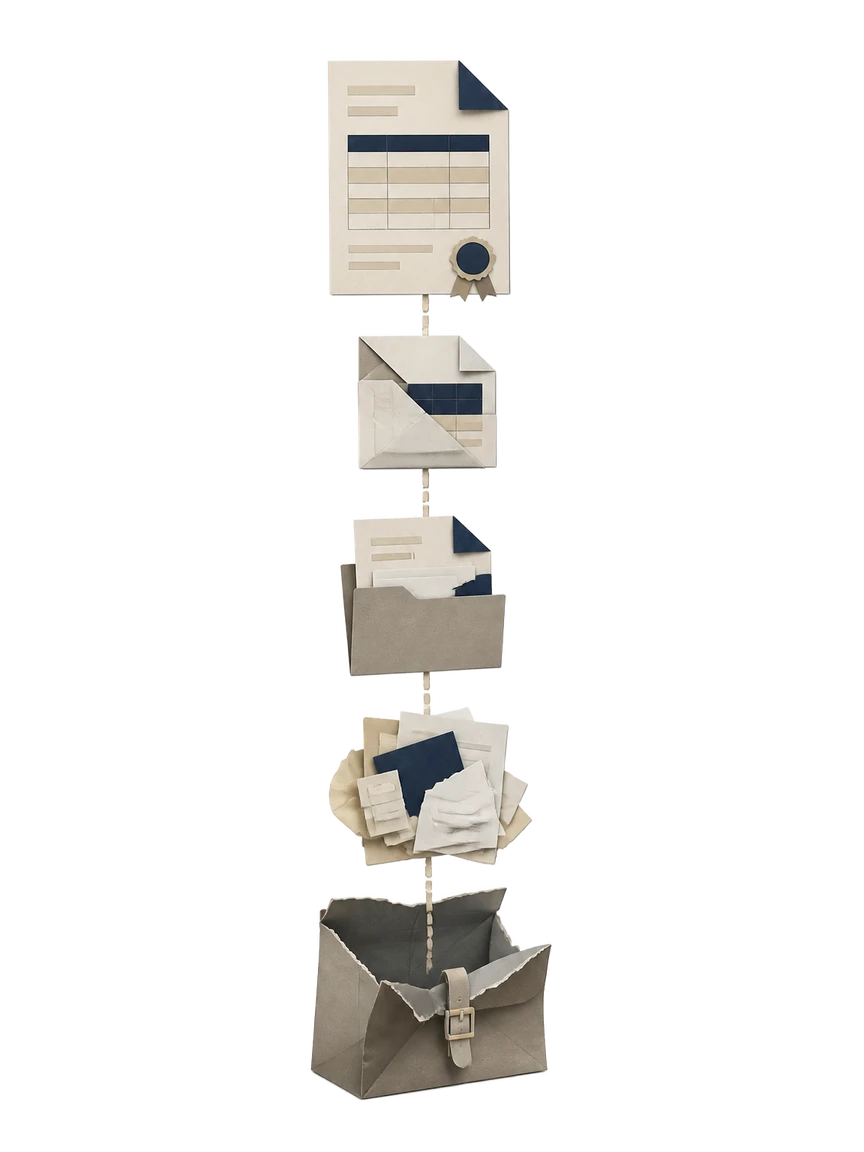
- 1
Tell Waxe who to bill
You give Waxe your From details and the client's bill-to details. She sets up the invoice header, assigns an invoice number, and fills in the issue and due dates so the request is dated and trackable from the start.
- 2
List the work performed
You describe each piece of work with its quantity and unit price. Waxe turns that into an itemised line-item table, writing clear descriptions and aligning the amounts so the client can see exactly what they are paying for.
- 3
Apply tax and discounts
Waxe sums the rows into a subtotal, then applies your tax rate or any discount you offered. She handles the arithmetic for this specific invoice, so the payable figure is correct without you checking a single formula.
- 4
Set the total and payment terms
Waxe prints the total due in bold and adds your payment instructions beneath it. She states how and where to pay and confirms the due date, so the client knows the amount and the deadline without asking.
- 5
Review and send
You read the finished invoice, add any notes or references, and send it. The whole process takes about five minutes for a few cents, and when the next invoice is due you describe the new work and Waxe generates it again.
What you get from the invoice template alternative
Ready in about five minutes
Describe the client and the work, and Waxe returns a finished, send-ready invoice in roughly five minutes. There is no template to open, no column to realign, and no formula to repair before you can bill.
A few cents per invoice
Each invoice costs a few cents to generate, not hours of your time. You trade a fiddly retyping ritual for a short conversation, and the cost stays in cents whether you bill one line or twenty.
Itemised line items that stay aligned
Waxe builds the line-item table with description, quantity, unit price and amount in order. Add or remove rows freely; the layout stays clean instead of breaking the way a fixed template's columns do.
Subtotals and tax computed for you
Waxe multiplies each row, sums the subtotal, and applies your tax or discount. The math is done for this invoice, so the payable figure is right without you auditing a spreadsheet of cells.
A total due you can't miss
The total due is printed in bold beneath the subtotal and tax. It always reflects the current line items, so a last-minute edit never leaves a stale number staring back at the client.
Clear payment instructions
Every invoice closes with how and where to pay and the due date. Waxe places the instructions, notes and references in their proper place, so clients can settle the bill without a follow-up email.
Included in every invoice
- Invoice number with issue and due dates
- Your From details and the client's bill-to details
- Itemised line items with description, quantity, unit price and amount
- Subtotal of all rows
- Tax or discount applied to the subtotal
- Bold total due
- Clear payment instructions
- Notes and references such as a purchase-order number
From brief to sent invoice
Brief
You tell Waxe who to bill and what work to charge for, including the bill-to details, the line items, and your tax or discount.
Generate
Waxe builds the itemised table, computes the subtotal, applies tax or discount, and prints the bold total due in about five minutes.
Review
You check the dates, line items and total, add any notes or references, and adjust anything by describing the change to Waxe.
Send
You send a complete, payment-ready invoice with clear instructions and a due date, for a few cents per document.
Questions, answered
How is this different from a reusable invoice template?
A template is a fixed grid you retype for every client, then realign when a line item or tax rate breaks the layout. waxTable is the invoice template alternative: you describe the work and Waxe generates a finished invoice. She builds the line-item table, computes the subtotal, applies tax or a discount, and renders a bold total due. Payment instructions and references are filled in, not left as placeholder brackets. You get a complete document in about five minutes for a few cents.
Does the invoice include real math, or just a layout?
It includes real math. Waxe reads your itemised line items with their quantity and unit price, multiplies each row to an amount, and sums them into a subtotal. She then applies tax or a discount and prints a clear, bold total due. The numbers are computed for this specific invoice, not dropped into a static template you adjust by hand. If a quantity or rate changes, you describe the change and Waxe regenerates the document instead of asking you to recheck every cell.
Can I control how the invoice looks and what it says?
Yes. You set the From and bill-to details, the line items, your tax or discount, and the payment instructions and notes you want at the bottom. Waxe generates the invoice around those facts, keeping the invoice number, issue and due dates, and references in their proper place. The structure follows a clear order, from header through total due to payment terms. Because Waxe designs each invoice rather than reusing one layout, nothing reads like a generic form you filled in.
How long does it take to produce one invoice?
About five minutes, for a few cents per document. You give Waxe the bill-to details, the work performed, and your tax and payment terms, and she returns a finished, itemised invoice ready to send. There is no template to download, no broken column to nudge, and no formula to wire up by hand. What used to be a careful, fiddly task becomes a short conversation. When the next invoice comes, you describe the new work and Waxe generates it again the same way.
What payment information ends up on the invoice?
Every invoice carries the parts a payable request needs. Waxe includes the invoice number and the issue and due dates, your From and bill-to details, the itemised line items, and the subtotal with tax or discount applied. The total due is shown in bold so the amount is impossible to miss. Below it she places clear payment instructions and any notes or references, so the client knows exactly how and when to pay. Nothing important is left as a placeholder.
Your next invoice, in five minutes
Tell Waxe about the client and get a complete, on-brand invoice to review — the work of two days for a few cents. There is no blank page to start from and nothing to format by hand; you answer a short brief, Waxe does the drafting, and you keep full control of the final document in the editor.