
Receipt
A concise, past-tense confirmation that payment is complete.
What a receipt is
A receipt is a concise, past-tense confirmation that a payment is complete. It records what was paid, when it was paid, and how, then closes with a clear statement that nothing further is owed.
Unlike a document that requests money, a receipt looks backward at a settled transaction. Its job is to give the payer a traceable record they can file, forward to accounting, or use to claim an expense.
A good receipt is short and unambiguous. It carries a unique receipt and transaction number, the payment date, the total paid, the payment method, and a plain paid confirmation, so the reader is never left guessing whether the balance is closed.
Anatomy of a receipt
Receipt & transaction number
A unique identifier that ties this document to a specific payment. It lets both sides find the transaction again during reconciliation or a dispute.
Payment date
The date the money actually changed hands. This anchors the receipt in time and supports accurate bookkeeping and expense claims.
Paid-by & paid-to details
Who made the payment and who received it, with the names and contact details for each side. This makes the record self-explanatory months later.
Itemised summary
A short breakdown of what the payment covered, line by line. It removes any question about which goods or services the money settled.
Total paid
The single, prominent figure that was actually paid. It should be impossible to miss and match the sum of the itemised lines.
Payment method
How the payment was made, such as card, bank transfer, or cash. This detail helps both parties match the receipt to their own records.
Paid confirmation
A plain statement that the balance is settled and nothing is outstanding. It is the reassurance the whole document exists to deliver.
Getting a receipt right
Do
- Give every receipt a unique receipt and transaction number so it can be traced later.
- Show the total paid as a single, prominent figure that matches the itemised lines.
- State the payment method plainly so both sides can match it to their records.
- Close with an unmistakable paid confirmation so the reader knows nothing is owed.
- Keep the paid-by and paid-to details complete enough to stand alone months later.
Avoid
- Don't reuse the same number twice, or reconciliation and disputes become guesswork.
- Don't blur the line between a receipt and an invoice by implying money is still due.
- Don't leave the payment date off, since it anchors bookkeeping and expense claims.
- Don't bury the total paid among other figures where the reader has to hunt for it.
- Don't skip the itemised summary, or customers will ask what the payment actually covered.
The old way vs. waxTable
How Waxe generates your receipt
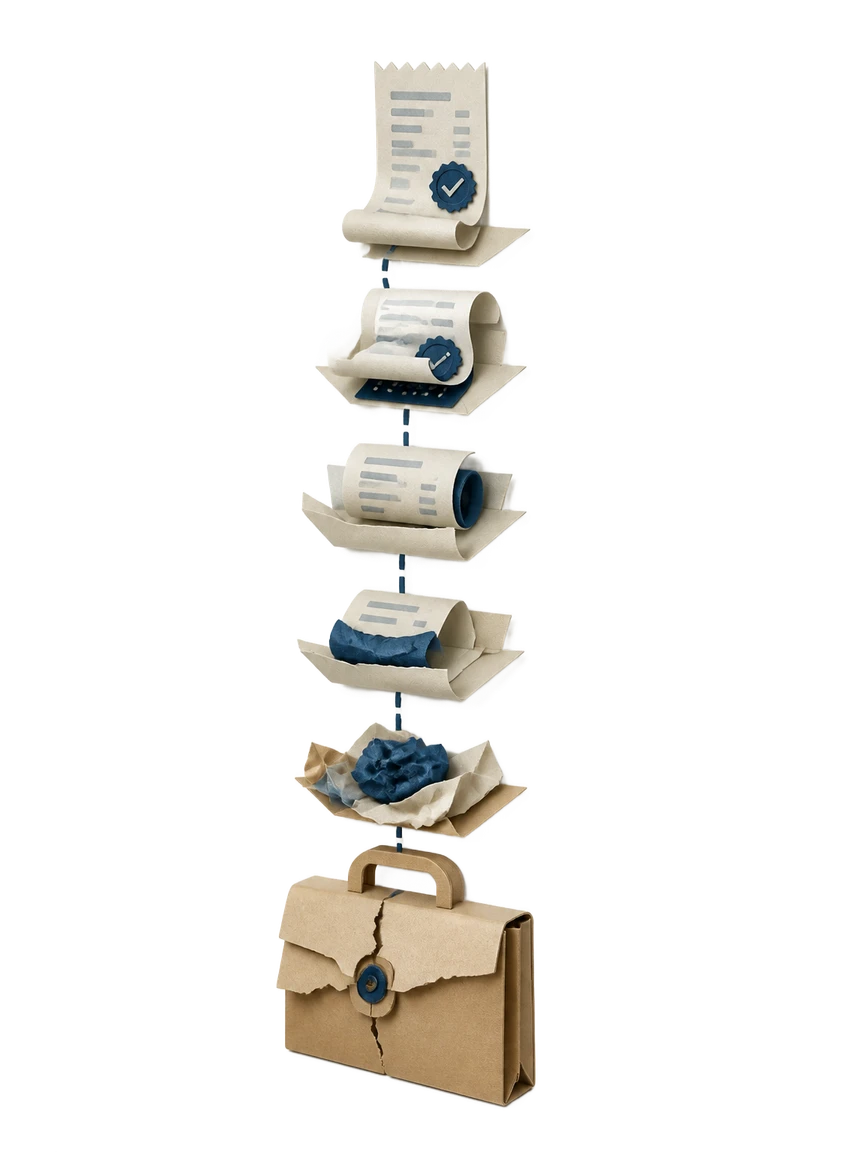
- 1
Share the payment facts
You tell Waxe what was paid, by whom, on what date, and how. That is the raw material for the receipt and transaction number, the paid-by and paid-to details, and the payment method.
- 2
Waxe drafts the document
Waxe assembles the receipt parts in order, from the transaction number through to the paid confirmation. The itemised summary, total paid, and payment method are laid out in a clean, scannable structure ready for review.
- 3
Branding is applied
Your logo, colours, and typography are dropped onto the receipt automatically. The result looks like it came from your business, not a generic form, and matches the other documents you send.
- 4
You review and adjust
You check the total paid against the itemised lines and edit any field that needs a change. Waxe keeps the numbering sequential, so the receipt stays consistent with the ones before it.
- 5
Export and send
You export the finished receipt and pass it to your customer as their proof of payment. The whole process took about five minutes and a few cents instead of part of an afternoon.
Frequently asked
What exactly is a receipt, and how is it different from an invoice?
A receipt is a past-tense confirmation that payment is already complete. It records the receipt and transaction number, the payment date, who paid whom, an itemised summary, the total paid, and the payment method, then ends with a clear paid confirmation. An invoice, by contrast, requests money that is still owed. The simplest test: an invoice asks for payment, a receipt confirms it was made. waxTable designs each document for the role it plays, so a receipt reads as settled rather than outstanding.
What information must a receipt include to be useful?
Every receipt should carry a unique receipt and transaction number so the payment can be traced later. It needs the payment date, the paid-by and paid-to details, and an itemised summary of what the money covered. It must show the total paid and the payment method, whether card, transfer, or cash. Finally, it states a plain paid confirmation so the reader knows the balance is settled. waxTable places these parts in a fixed, scannable order on every receipt it generates.
How long does it take waxTable to generate a receipt?
Producing a receipt by hand usually means copying transaction details into a template, checking the totals, and exporting a tidy file. With waxTable, you give Waxe the payment facts and the document is drafted in about five minutes for a few cents. Waxe fills the receipt number, payment date, itemised summary, total paid, and payment method, then formats them to match your brand. You review, adjust any line, and export. What used to eat part of an afternoon is finished before your coffee cools.
Can I keep my own numbering and branding on each receipt?
Yes. waxTable lets you set the receipt and transaction numbering scheme so every document stays sequential and easy to reconcile. Your logo, colours, and typography are applied automatically, so the paid confirmation looks like it came from your business rather than a generic form. The paid-by and paid-to blocks, itemised summary, and payment method all sit in a consistent layout. Waxe keeps that structure steady across every receipt, so a customer who receives two of them sees the same trusted format twice.
Why send a polished receipt instead of a plain payment note?
A receipt is often the last document a customer sees in a transaction, so it shapes the final impression. A clear total paid, a named payment method, and an unmistakable paid confirmation reassure the payer that nothing is still owed. A clean itemised summary also reduces back-and-forth questions about what the money covered. waxTable turns those required parts into a calm, branded layout in minutes for a few cents. The result reads as finished and professional rather than improvised.
Skip the writing — generate the whole receipt
Waxe drafts it on your brand in about five minutes, then you refine it. From two days of work to a few cents.
Your next receipt, in five minutes
Tell Waxe about the client and get a complete, on-brand receipt to review — the work of two days for a few cents. There is no blank page to start from and nothing to format by hand; you answer a short brief, Waxe does the drafting, and you keep full control of the final document in the editor.